 Skip to content
Think your Cisco Next Generation Firewall is protecting your business just because it's installed? Think again. Most small and medium businesses are walking around with a false sense of security, believing that simply having enterprise-grade firewall hardware means they're bulletproof against cyber threats.
The reality is far more sobering. We've seen countless Detroit-area businesses discover they've been running their Cisco NGFs with configurations that would make a cybersecurity expert cringe. These aren't technical failures: they're strategic oversights that can leave your entire network exposed.
Here's the truth: Having a Cisco Next Generation Firewall is like owning a Ferrari and never taking it out of first gear. The potential is there, but without proper configuration and management, you're not getting the protection you paid for.
Mistake #1: Sticking with Default Configuration Settings
The Problem: Your brand-new Cisco NGF comes with factory default settings designed to get you up and running quickly: not to provide optimal security for your specific business environment. Yet 73% of SMBs never move beyond these basic configurations.
Default settings typically include overly broad access rules, generic security policies, and disabled advanced features. It's like leaving your house with all the windows open because that's how the contractor delivered it.
The Fix: Implement a proper baseline configuration within your first 30 days. Start by enabling strict egress filtering, customizing intrusion prevention signatures for your industry, and configuring application visibility and control (AVC) to match your business applications.
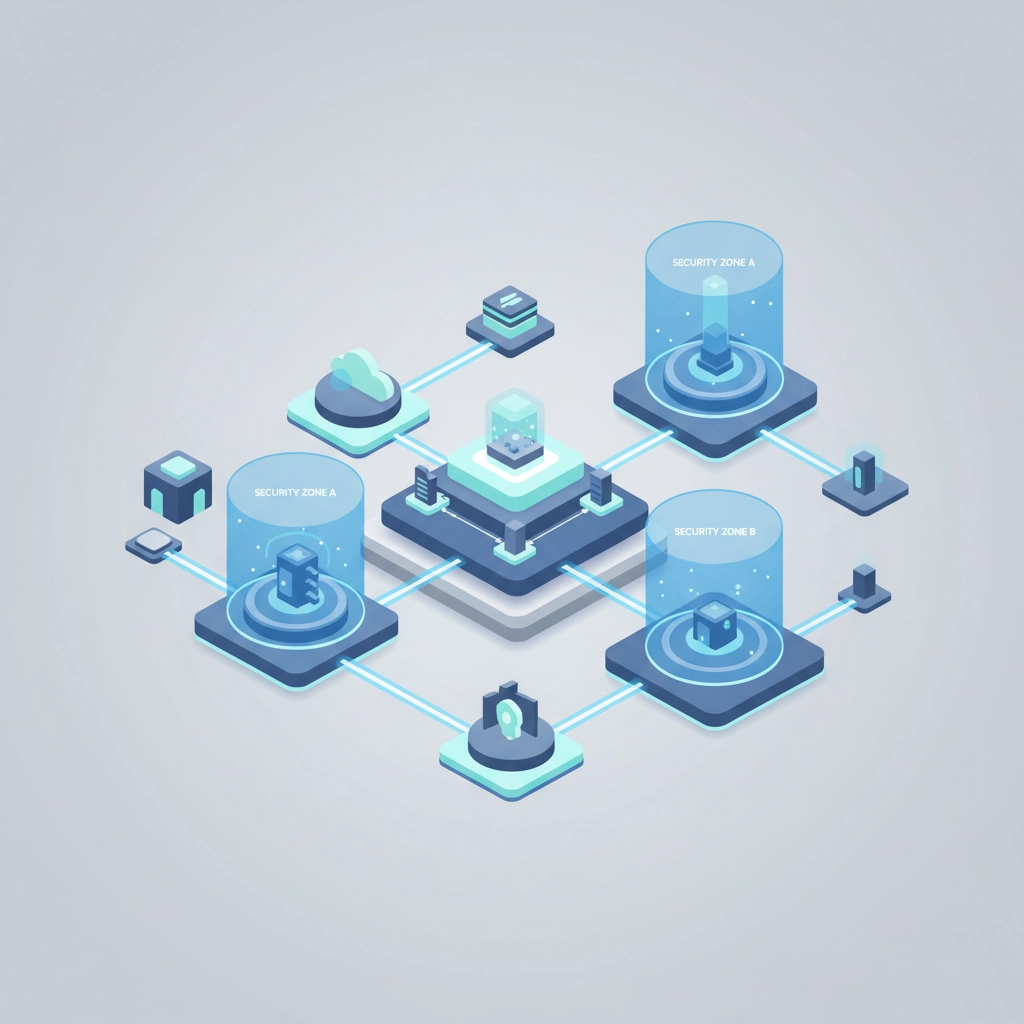
Create custom security zones that reflect your actual network architecture. Don't just rely on the standard inside/outside/DMZ setup: segment your network based on user roles, device types, and data sensitivity levels.
Mistake #2: Creating Overly Permissive or Restrictive Firewall Rules
The Problem: We see two extremes in SMB firewall management. Either businesses create a single "allow all" rule to avoid productivity disruptions, or they lock down everything so tightly that employees can't do their jobs effectively.
Both approaches create security vulnerabilities. Overly permissive rules expose your network to threats, while overly restrictive rules lead to shadow IT as employees find workarounds that bypass security controls entirely.
The Fix: Implement the principle of least privilege with proper documentation. Every firewall rule should have:
- A specific business justification
- An expiration date for review
- Clear source and destination parameters
- Proper logging enabled
Start with a deny-all baseline and add exceptions based on documented business needs. Use application-aware policies instead of port-based rules whenever possible. Your Cisco NGF can identify applications regardless of port usage, making your rules more precise and secure.
Mistake #3: Ignoring Advanced Threat Protection Features
The Problem: Many SMBs treat their Cisco NGF like a traditional stateful firewall, missing out on advanced threat protection capabilities like sandboxing, URL filtering, and advanced malware protection (AMP). They're essentially buying a smart car and only using it as a regular vehicle.
This oversight is particularly costly because modern threats are sophisticated and often bypass traditional signature-based detection. Without advanced threat protection, you're fighting tomorrow's attacks with yesterday's tools.
The Fix: Enable and properly configure these essential NGF features:
- Advanced Malware Protection (AMP): Set up file reputation checking and sandboxing for unknown files
- URL Filtering: Implement category-based blocking and reputation scoring
- Intrusion Prevention System (IPS): Configure signatures relevant to your industry and update them automatically
- Application Visibility and Control: Monitor and control application usage across your network
Don't just turn these features on: tune them for your environment. A manufacturing company will have different threat patterns than a law firm.
Mistake #4: Inadequate Logging and Monitoring Configuration
The Problem: Your Cisco NGF generates thousands of events daily, but if you're not collecting, analyzing, and acting on this data, you're flying blind. Most SMBs either don't enable comprehensive logging or don't have processes to review the logs regularly.
Without proper monitoring, you won't know if your firewall is blocking legitimate traffic, allowing suspicious connections, or experiencing performance issues until it's too late.
The Fix: Configure comprehensive logging for all security events, connection attempts, and policy violations. Set up automated alerts for critical events like:
- Multiple failed authentication attempts
- Connections from suspicious geographic locations
- Large data transfers outside business hours
- Malware detection events

Use Cisco's Security Manager or a third-party SIEM solution to centralize log analysis. Create weekly reports that show traffic patterns, security events, and policy effectiveness. This isn't just about compliance: it's about understanding your network's normal behavior so you can spot anomalies quickly.
Mistake #5: Neglecting Firmware Updates and Patch Management
The Problem: Cisco releases firmware updates regularly to address security vulnerabilities and improve performance. Yet many SMBs run outdated firmware versions, sometimes years behind current releases. This creates known security vulnerabilities that attackers actively exploit.
The fear of downtime during updates often paralyzes SMB decision-makers, but the risk of running unpatched systems far exceeds the risk of a planned maintenance window.
The Fix: Implement a structured patch management process:
- Monitor Cisco security advisories and release notes monthly
- Test firmware updates in a lab environment when possible
- Schedule maintenance windows during low-traffic periods
- Maintain configuration backups before any updates
- Document rollback procedures for critical updates
Create a testing protocol that validates key functionality after updates. This includes checking VPN connections, application performance, and security policy effectiveness.
Mistake #6: Weak Administrative Access Controls
The Problem: SMBs often use shared administrative accounts, weak passwords, or overly broad administrative privileges for firewall management. Some businesses never change default administrative credentials or use the same credentials across multiple systems.
This creates a single point of failure where compromising one account gives attackers complete control over your network security infrastructure.
The Fix: Implement role-based administrative access with these best practices:
- Create individual administrative accounts for each person who needs access
- Use strong, unique passwords with regular rotation requirements
- Enable multi-factor authentication for all administrative access
- Implement time-based access restrictions for administrative functions
- Use privilege escalation instead of persistent administrative rights

Consider implementing certificate-based authentication for administrative access. This provides stronger security than password-based authentication and integrates well with existing Active Directory environments.
Mistake #7: Poor Network Segmentation Strategy
The Problem: Many SMBs deploy their Cisco NGF as a simple internet gateway without leveraging its network segmentation capabilities. This flat network approach means that once an attacker gains access to any device, they can potentially reach critical systems and data.
Modern threats often involve lateral movement within networks, making segmentation one of your most important security controls.
The Fix: Design and implement proper network segmentation using these principles:
- Separate critical systems: Place servers, workstations, and IoT devices in different security zones
- Implement user-based policies: Different user roles should have different network access levels
- Create isolated guest networks: Visitor and contractor access should be completely segregated
- Segment by data classification: Systems handling sensitive data need additional protection layers
Use your Cisco NGF's zone-based firewall capabilities to enforce these segments. Create inter-zone policies that only allow necessary communication between network segments.
Taking Action: Your Next Steps
The time to fix these mistakes is now, before they become security incidents. Here's your immediate action plan:
- Audit your current configuration against this checklist within the next two weeks
- Prioritize fixes based on your business risk tolerance and compliance requirements
- Document your changes to maintain consistency and enable troubleshooting
- Schedule regular reviews to ensure configurations remain effective as your business evolves
Don't let your Cisco Next Generation Firewall become an expensive paperweight. These advanced security appliances can provide enterprise-level protection for your SMB, but only if they're properly configured and maintained.
At Tener Technologies, we've helped dozens of Detroit-area businesses optimize their Cisco NGF deployments. Our managed IT services include proactive firewall management, ensuring your security infrastructure evolves with emerging threats.
Ready to unlock your firewall's full potential? Contact us for a complimentary security assessment of your current Cisco NGF configuration. We'll identify specific vulnerabilities and provide a roadmap for enhancing your network security posture.
Your business data deserves enterprise-level protection. Make sure your firewall is delivering it.